We use cookies to make your experience better.
To comply with the new e-Privacy directive, you agree to the privacy policy and our use of cookies.

BakkerElkhuizen BakkerElkhuizen Ergoslider+ Central Mouse Dark Grey. Includes USB-A & Type-C connectivity; 3 years standard warranty / 5 years with registration.
SKU
BNEESLDG

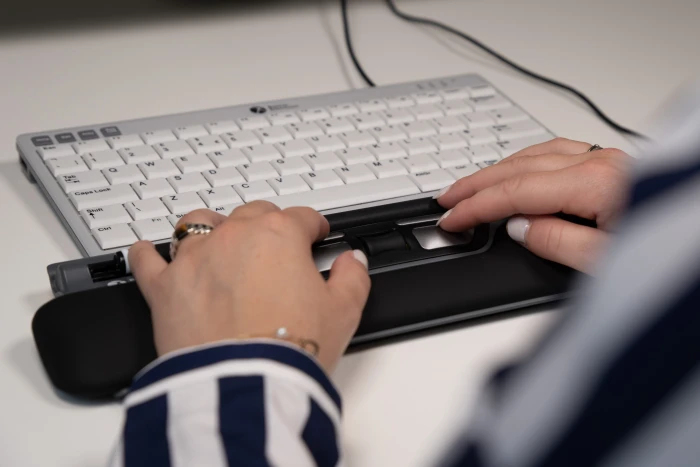
Unique design for everyone.
The ErgoSlider Plus can be used with both hands and is therefore appropriate for left and right handers. It doesn’t matter which hand size you have because you navigate with your fingertips. The ErgoSlider Plus is a mouse which is suitable for everyone. The black design with the grey buttons is classic and the material is durable.
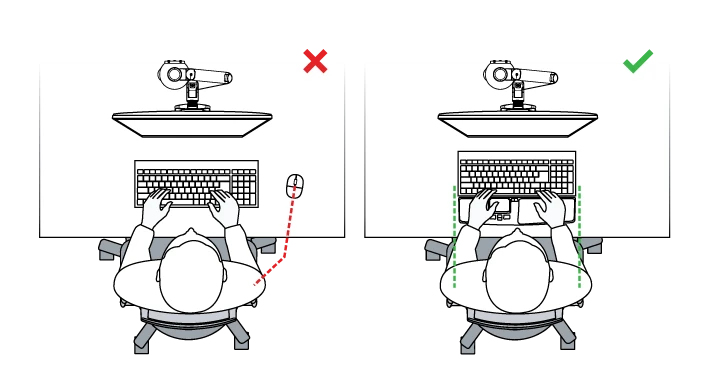
Ergonomic background
In comparison to a traditional standard mouse, the central mouse is always in the correct position right in front of the body. In this way reaching out to the mouse is avoided. This keeps the body straight and the arms in a natural position close to the body. In addition, the movements are distributed in both arms and shoulders, instead of one arm. The result is a more relaxed posture during computer work. The muscle activity of the hand is also lower compared to a normal mouse (Lin et al., 2014).
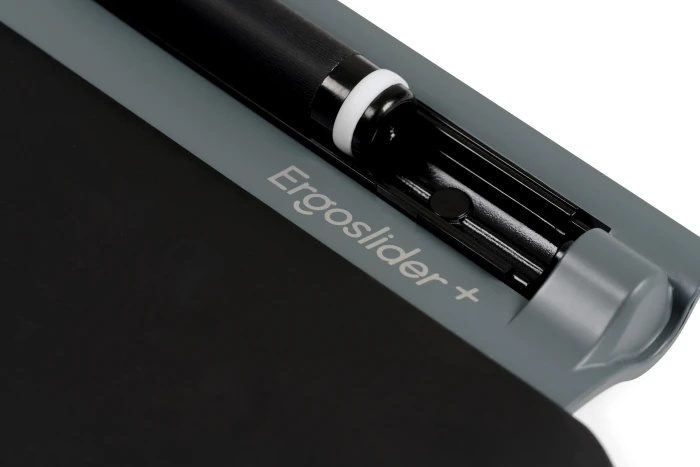
Roller bar for the cursor.
The special thing of a central mouse is the roller bar. With the roller bar you easily navigate your mouse cursor. The cursor of the ErgoSlider Plus is moved with the fingertips and thumb of both hands instead of the whole arm, while your wrists are lying comfortably on the wrist rest. The small joints and muscles of the fingertips are better suited for precise movements and therefore perfect for the navigation of the roller bar. The fixed pointer speed value of 800 DPI is also ideal for that kind of navigation. The roller bar is also clickable for the left click. You can decide if you use the roller bar or the front left button for the left click. As soon so you are used to this way of moving the mouse cursor, you will experience a user friendly- and comfortable handling of the ErgoSlider Plus.
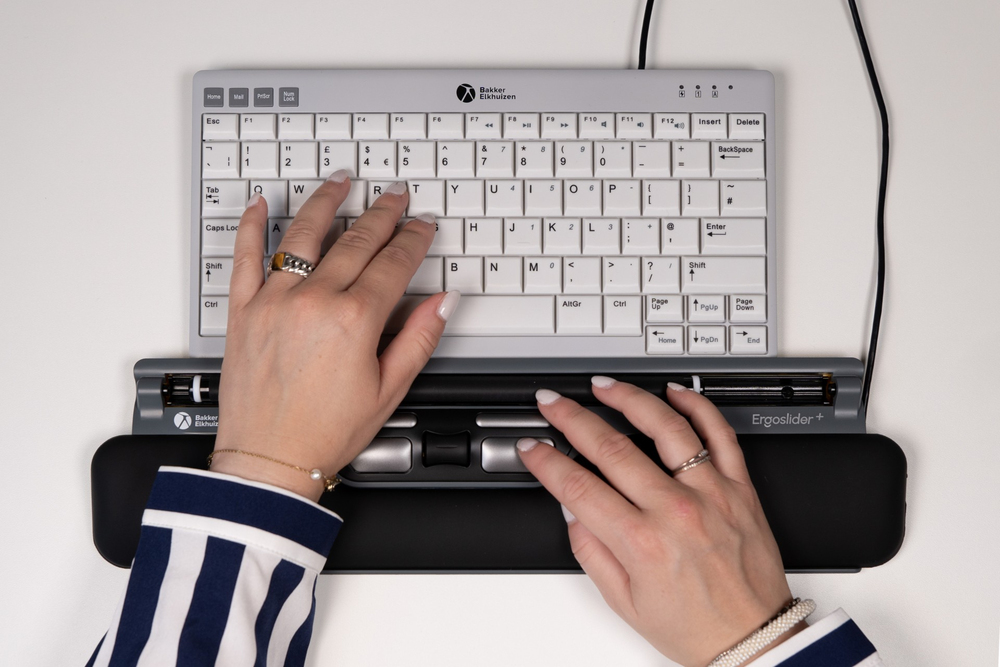
Optimal position.
Start improving your posture in front of the screen and prevent physical discomforts during computer work. The ErgoSlider Plus is placed central in front of your body. In this way a central alignment with your screen and keyboard is ensured. The advantage is, no reaching out to the mouse and the muscle activity can be distributed between both arms. Further the way to the keyboard is shorter, so you can increase your productivity.
Navigation and functions.
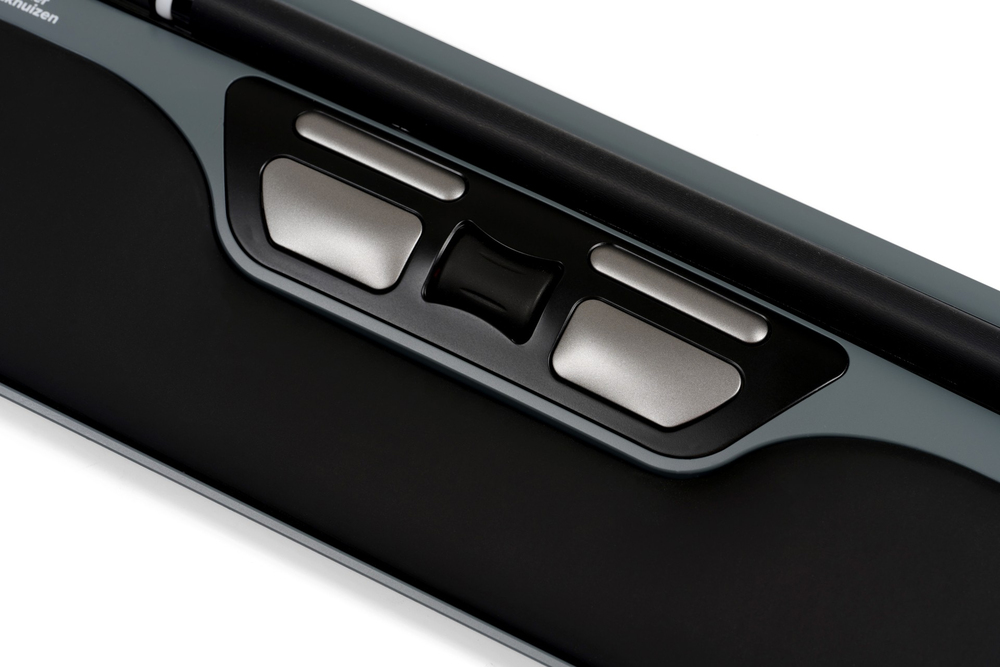
The ErgoSlider Plus has a 24 mm long roller bar, which has a good grip for the navigation. It can be removed and easily be cleaned. There are four buttons for the left and right click, and to copy and paste. With the scroll-wheel you scroll and has a double-click function. The wrist rest is removeable and provides a good support for your wrist and hands while working with the ErgoSlider Plus.
Plug & Play.
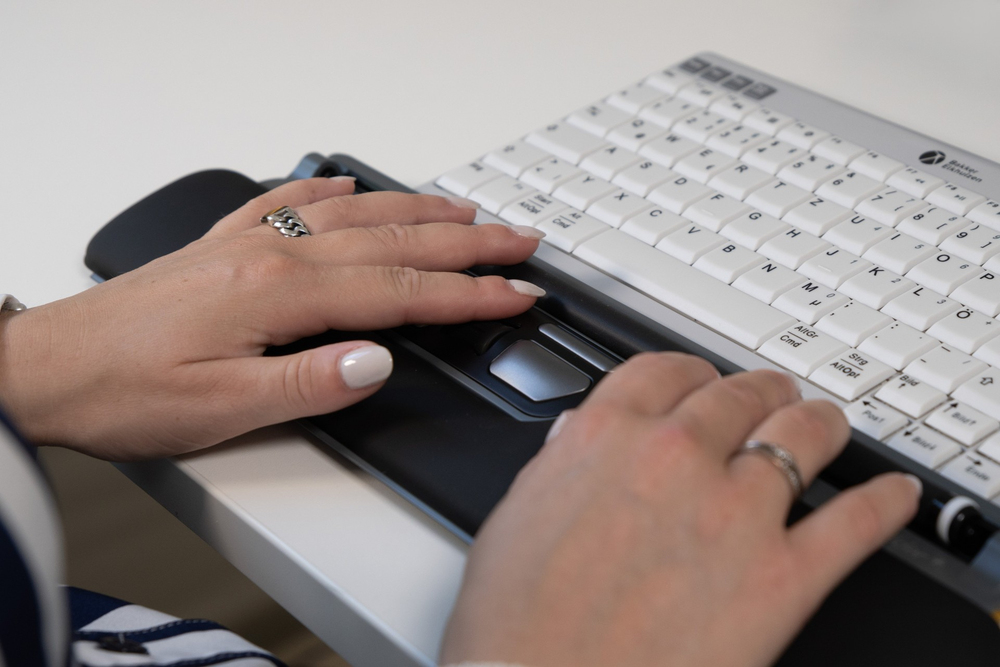
Thanks to the Plug-and-Play technology the computer configures the ErgoSlider Plus by itself, and you can directly start to work. The ErgoSlider Plus is a wired central mouse (cable size: 1400 mm). Simply connect the USB cable (USB-A or USB-C) to your computer through any available USB port.
Ergonomics leads to comfort.
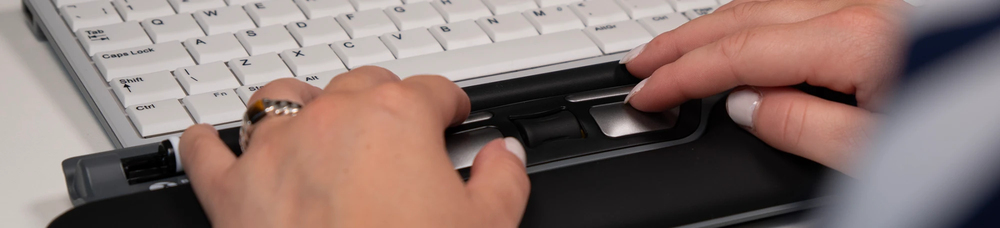
The unique thing of the ErgoSlider Plus is its central cursor control right in front of your body. There is no longer the need to reach out wide to the mouse and this prevents physical discomfort. The body stays central in a neutral position, and this automatically prevents overloads in the shoulder and neck. In addition, you are working with your right and your left hand. Distributing the movement on both hands and shoulders lead to a healthier way of working on the computer. The ErgoSlider Plus is designed to reduce the risk of repetitive strain injuries, and thus minimises physical pain. This will help you to bring more comfort to your cursor navigation and work more efficiently.
You may also be interested in
| Product |
 BakkerElkhuizen BakkerElkhuizen Ergosl...
Login for pricing
BakkerElkhuizen BakkerElkhuizen Ergosl...
Login for pricing
|
 Logitech MX Master 2S Wireless mouse O...
Login for pricing
Logitech MX Master 2S Wireless mouse O...
Login for pricing
|
 Microsoft Arc mouse Office Ambidextrou...
Login for pricing
Microsoft Arc mouse Office Ambidextrou...
Login for pricing
|
 BakkerElkhuizen Oyster Mouse
Login for pricing
BakkerElkhuizen Oyster Mouse
Login for pricing
|
 Logitech G PRO Wireless Gaming Mouse -
Login for pricing
Logitech G PRO Wireless Gaming Mouse -
Login for pricing
|
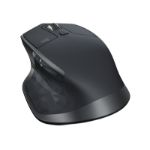 Logitech MX Master 2S Bluetooth Editio...
Login for pricing
Logitech MX Master 2S Bluetooth Editio...
Login for pricing
|
|---|---|---|---|---|---|---|
| SKU |
BNEESLDG
|
910-005139
|
ELG-00002
|
BNEOYM
|
910-005272
|
910-005131
|
| Manufacturer |
BakkerElkhuizen
|
Logitech
|
Microsoft
|
BakkerElkhuizen
|
Logitech
|
Logitech
|
| Scroll type |
Wheel
|
Wheel
|
Touch
|
Wheel
|
Wheel
|
Wheel
|
| Buttons quantity |
5
|
7
|
2
|
5
|
N/A
|
7
|
| Purpose |
office
|
office
|
office
|
office
|
gaming
|
office
|
| Movement detection technology |
Laser
|
Laser
|
BlueTrack
|
Laser
|
Optical
|
IR LED
|
| Device interface |
N/A
|
RF Wireless + Bluetooth
|
Bluetooth
|
USB Type-A
|
RF Wireless
|
RF Wireless + Bluetooth
|
| Connectivity technology |
Wired
|
N/A
|
N/A
|
N/A
|
N/A
|
N/A
|