We use cookies to make your experience better.
To comply with the new e-Privacy directive, you agree to the privacy policy and our use of cookies.

BakkerElkhuizen Mouse Office Righ-Hnd Rf
SKU
BNEFFP3MVM

- Ergonomic vertical design that prevents strain
- Whisper-quiet and lightning-fast in daily use
- Smart features for increased productivity
- Compatible with Windows, Mac, iPad, Android, Linux and Chrome OS
- 3 connection options: Bluetooth, wired and wireless with dongle
- Long battery life: up to four months on a single charge
- Plug & play - no drivers required
Categories: Uncategorised Products, Mice
| SKU | BNEFFP3MVM |
|---|---|
| EAN | 8719274677901 |
| Manufacturer | BakkerElkhuizen |
| Availability | N |
| PDF URLs |
View PDF |
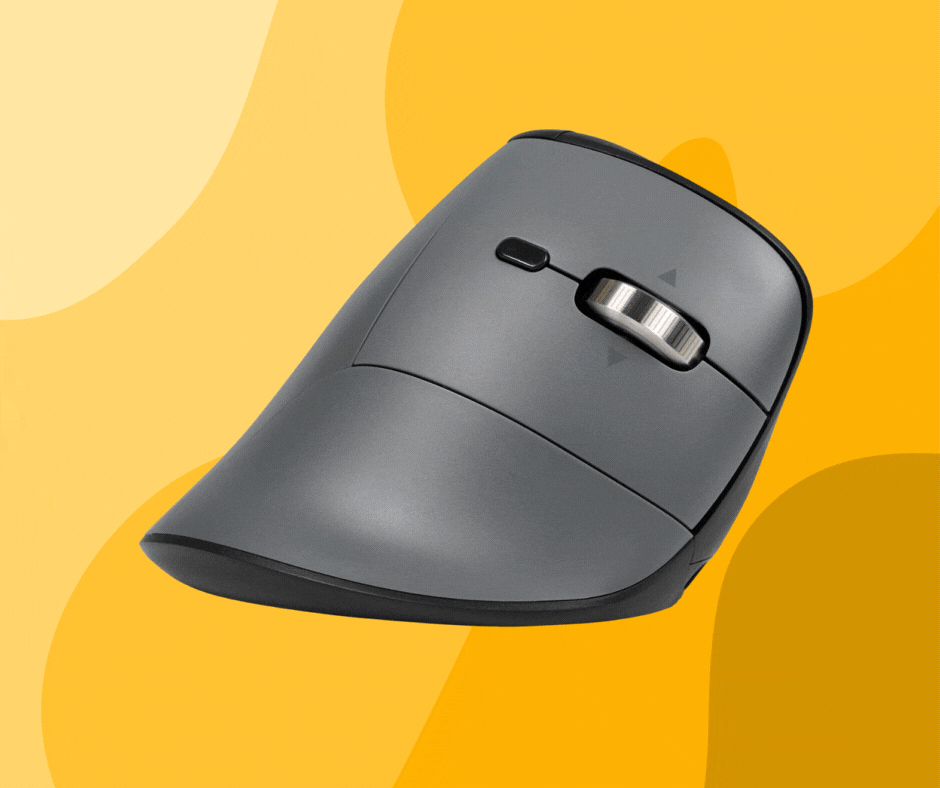
A design that exudes professionalism
The playful look of the original model has been replaced by a variant with our dark grey concept, which gives it an exclusive look. The FastForward Pro combines subtle elegance with ergonomic design, making it a perfect fit for any professional working environment. It is sleek, modern and ergonomically sound.
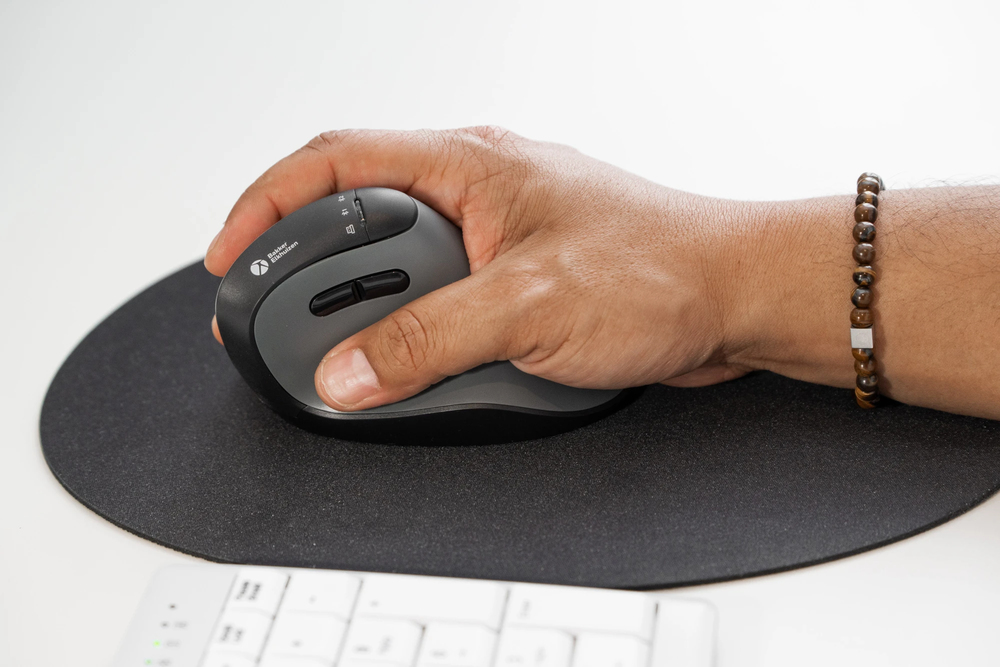
Smart features
- Tiltable hyperscroll: fly through long documents, horizontally and vertically
- Productivity button: direct access to all your open screens
- Device switch button: now on top, making it even easier to switch between devices
- Silent click: work with concentration without distracting noises
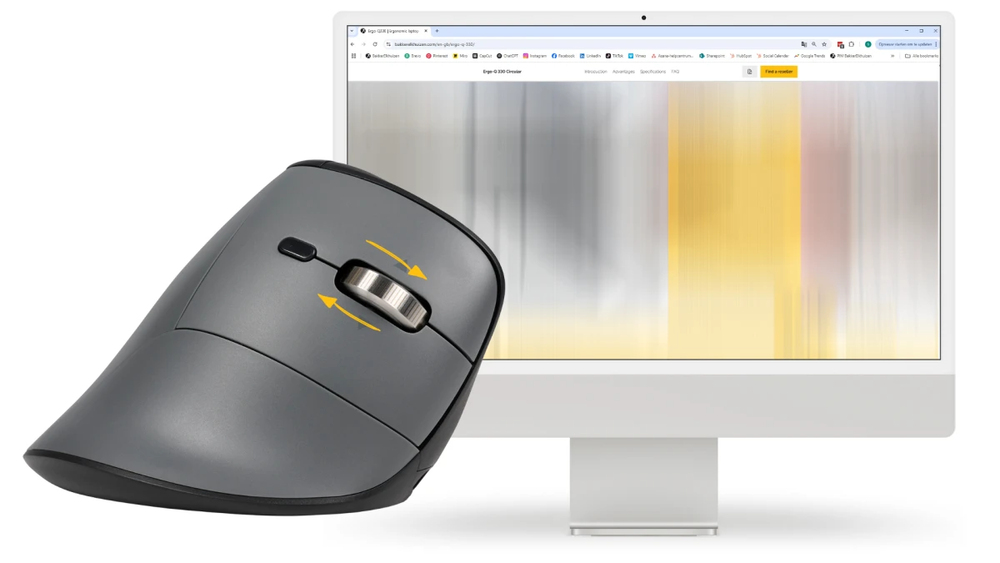
Work super-fast with Hyperscroll
Anyone who regularly works with long documents or web pages knows the frustration of endless scrolling. The hyperscroll function in the FastForward Pro solves this problem: with a single turn of the wheel, you can fly smoothly through hundreds of lines of text or countless rows in Excel. Exactly the speed you need to stay focused. Try giving it away after a week.
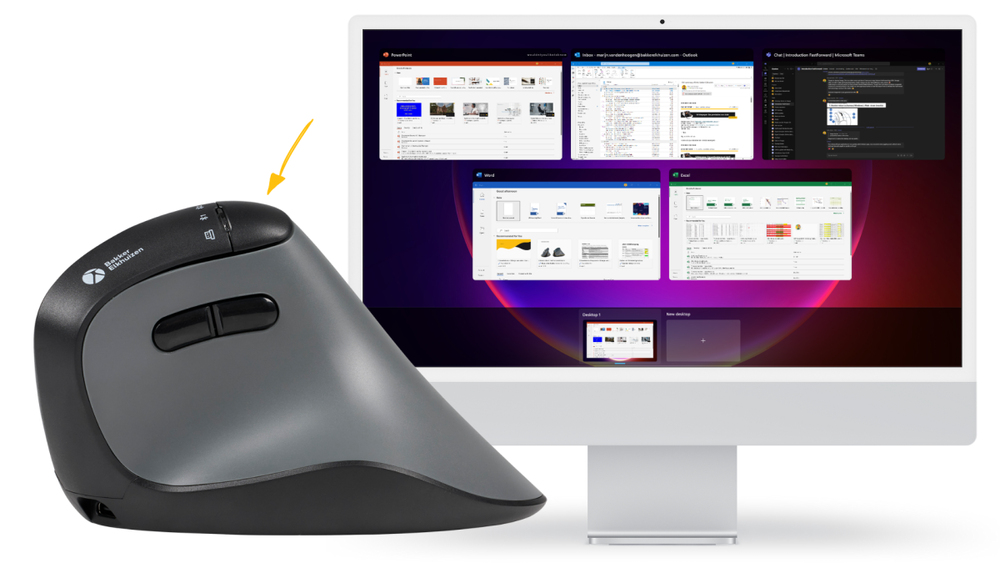
The Productivity Button: your shortcut to efficiency
Now you can switch between all your windows super-fast with the productivity button. This mouse says, ‘Let me do the hard work.’ Working faster isn't just about high DPI, it's also about efficiency. From now on, you'll never have to search for tabs again. Where a traditional mouse makes windows play hide and seek, FastForward Pro gives you an instant overview.
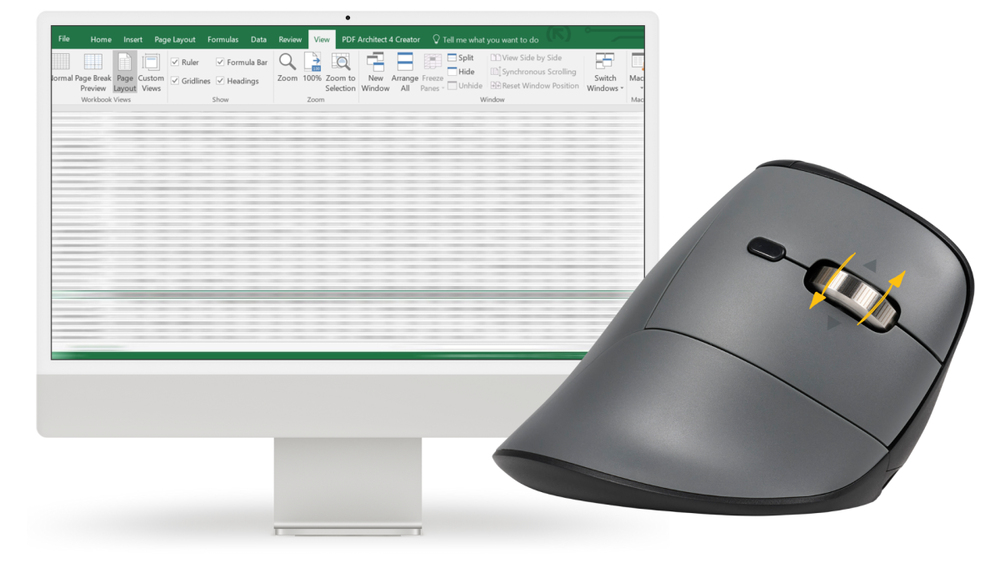
Horizontal scrolling with the tilt wheel
Is your Excel sheet wider than your screen, but your mouse only scrolls up and down? Then you're in for a long session. Not anymore! No more awkward scrolling and zooming: wide spreadsheets, creative timelines or complex dashboards require more than just vertical navigation.
Thanks to the tiltable scroll wheel, you can now move left and right as well as up and down. A small push with your finger, and you have an instant overview!
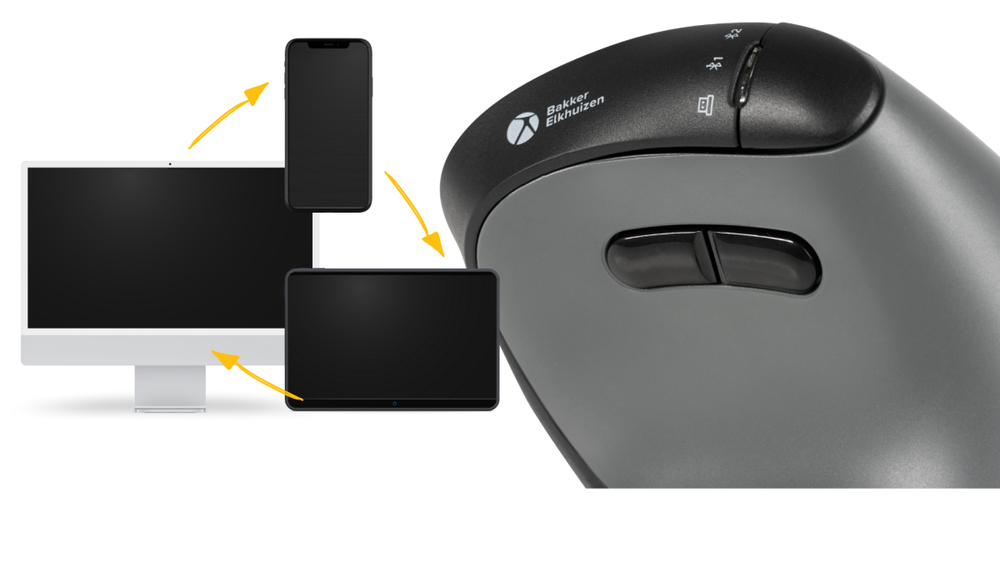
Easier switching between devices
Do you work with multiple devices? The FastForward Pro makes it easy to switch between your laptop, tablet or smartphone. The device switch button has been moved to the top of the mouse, so you can switch effortlessly with a simple push of a button.
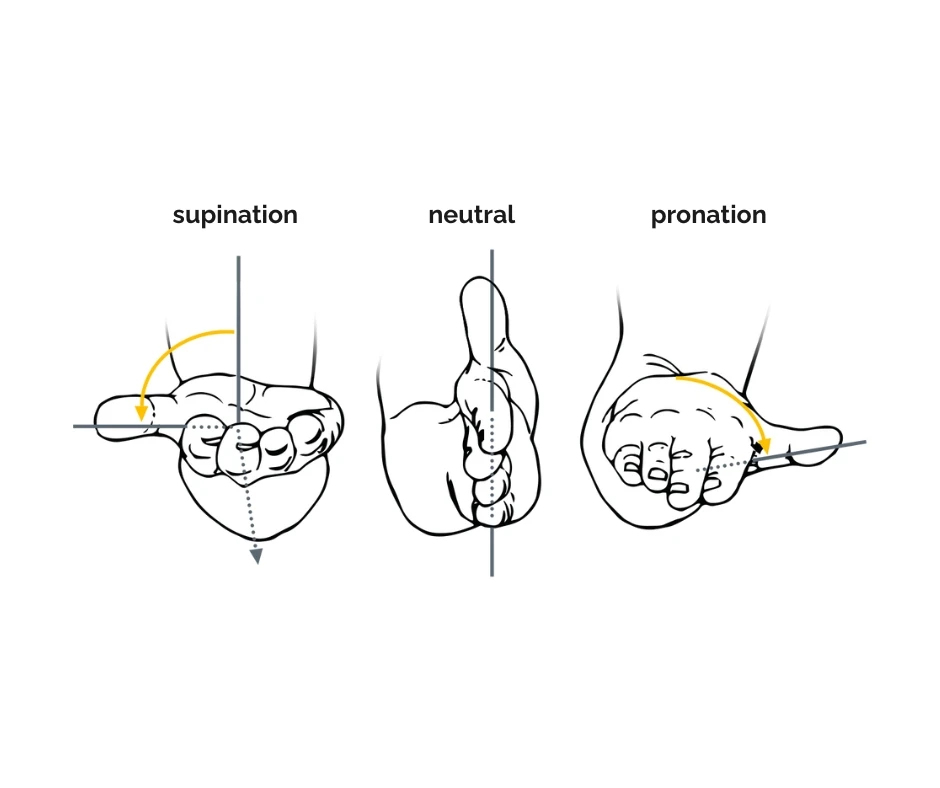
Ergonomic background
FastForward Pro tilts your hand at a 75° angle, automatically putting you in a neutral, relaxed working position. This position reduces strain on your hand, wrist and forearm, supports a healthy working posture and reduces the risk of complaints such as RSI and carpal tunnel syndrome. It feels natural right away, without a long adjustment period. Scientific literature shows that a more vertical hand position is associated with lower muscle tension (Aarås et al., 2001; Quemelo & Vieira, 2013). Because your wrist remains straight and the click action requires less resistance, your fingers need to exert less force. In addition, the productivity button eliminates many repetitive movements and, with an adjustable DPI, you can use coarser or finer motor skills depending on your work needs. This contributes to an ergonomic way of working.